
Available on Android & iOS

Krikkya App — The Best Mobile Gaming Experience, Right in Your Hands

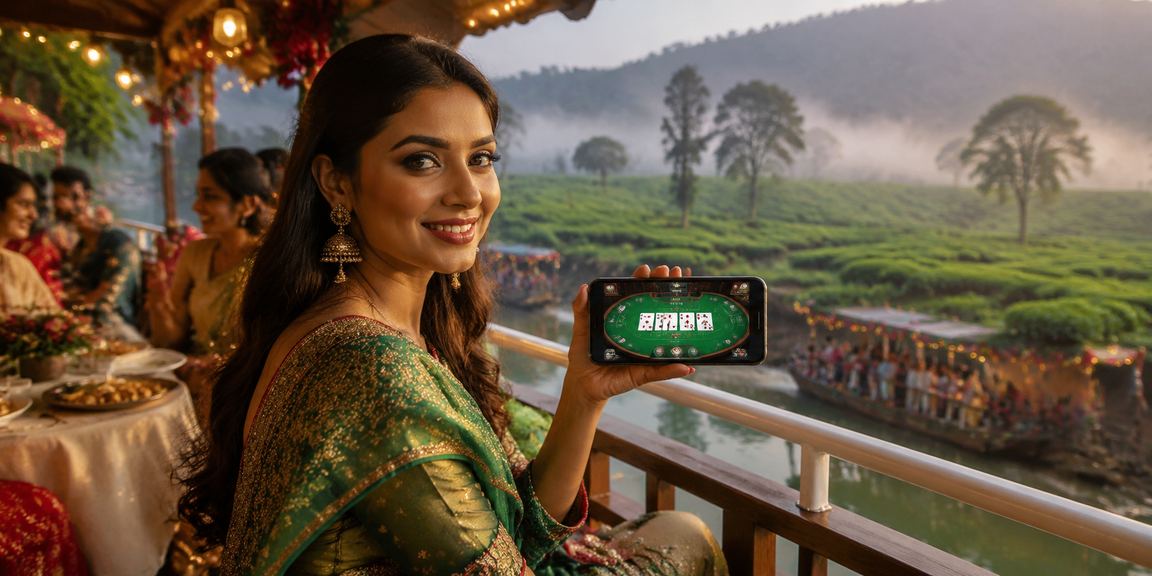
Access the full Krikkya platform from anywhere, at any time. Fast loading, a clean interface, and uninterrupted gaming.

Android APK iOS PWA
500K+
Active Users
4.8 ★
Average Rating
24MB
Small Size
Krikkya
Online Gaming
🎰Slot games
🃏Live Casino
🏏Sports Betting
🚀Crash Game
97%
Uptime
0.3s
Load Time
krikkya
App Highlights
What you get with the Krikkya app
Lightning-Fast Loading
The Krikkya app launches in just 0.3 seconds and runs smoothly even on a weak connection, thanks to its data-efficient optimization.
🔔
Push notifications
Updates on new games, bonus offers, and live events are delivered straight to your phone. You'll never miss an important offer again.
🔐
Biometric Login
Log in in seconds using your fingerprint or Face ID. No need to remember passwords — and your security is fully taken care of.
💳
Instant payments
All Bangladeshi payment methods — including bKash, Nagad, and Rocket — are available directly in the app. Deposits and withdrawals process in just seconds.
📶
Offline mode
Even without an internet connection, you can still view your game history and balance. Everything syncs automatically as soon as you're back online.
🌙
Dark Mode Support
The entire app is designed with a dark theme to be easy on the eyes. Even long gaming sessions late at night won't cause eye strain.
krikkya
Everything about the Krikkya app

Smartphones are in everyone's hands now. Whether you're having your morning tea, on a lunch break at the office, or winding down at night — your phone is the device you reach for most. With that reality in mind, Krikkya the app was built for it. This isn't just a mobile version of a website — it's a fully dedicated mobile gaming app, designed from the ground up for mobile.

Most online gamers in Bangladesh play on their phones. Not everyone has a desktop or laptop, but 4G mobile is now within almost everyone's reach. The Krikkya app was built with those users in mind — people who want a quick login, fast deposits, and a smooth gaming experience without the hassle.

For Android Users You can install the app by downloading the APK file directly. Not being on the Google Play Store is no issue — sideloading APKs is common practice in Bangladesh, and the Krikkya APK is fully safe and verified. Before installing, go to your phone's settings and enable "Unknown sources" or "Install unknown apps" — this is a one-time step.

For iPhone & iPad Users Krikkya runs as a PWA (Progressive Web App). Simply open krikkya.ws in Safari, tap the "Share" button, and select "Add to Home Screen" — an app icon will be created instantly. From then on, it opens just like a native app: full screen, no browser bar.

One of the biggest advantages of the Krikkya app is how much faster it is compared to a browser. Browsers reload pages every time you navigate, but once you're logged into the app, everything is right there instantly. The difference is especially noticeable in live games — streaming is smoother and placing bets takes less time.

Payments are incredibly convenient on the app. Save your bKash number once and after that, all you need is your PIN. Nagad and Rocket work the same way. You can also view your transaction history, set limits, and submit withdrawal requests anytime — all from within the app.

Push notifications are another feature that regular players love about the Krikkya app. Daily loyalty bonuses, deposit match offers, and special tournament alerts are delivered straight to your phone — so you never miss a great deal. If you find notifications too frequent, you can easily customize them from the settings.

The app is just 24 megabytes. That matters in Bangladesh, where storage space can be tight on many devices. It won't slow down your phone after installation — the app doesn't consume extra resources in the background.

For users on multiple devices, Krikkya keeps your account synced across all of them. You can top up from your desktop mid-game on mobile and pick right back up — your session carries over seamlessly.

Play with Complete Peace of Mind

The Krikkya app uses SSL encryption to keep your login credentials, personal data, and payment information fully secure. With biometric login enabled, no one else can access your account even if they have your phone.

App specifications
Size (Android)24 MB
Minimum Android5.0+
iOS PWASafari 14+
Update FrequencyWeekly
LanguageBangla, English
Dark mode✓ Supported
Biometric Login✓ Supported
Performance score
Load speed98/100
Stability96/100
Battery efficiency92/100
Data saving94/100
User Reviews
Rafi Ahmed
Dhaka
★★★★★
The app is incredibly smooth. I used to play through the browser, but now I only use the app. Loading time is practically zero.
Sumaiya Khanam
Chattogram
★★★★★
I didn't expect bKash payments to be this easy. Once you save your number, all you need is your PIN.
Tanvir Hossain
Sylhet
★★★★☆
The notification feature is really useful — I never miss an offer anymore. The app is also lightweight, so it barely takes up any space on my phone.
krikkya
How to Install

Android installation guide

1
Go to Phone Settings
Go to Settings → Security or Privacy and enable "Install unknown apps" or "Unknown sources".
2
Log in to the Krikkya site
Open krikkya.ws in your mobile browser, then log in to your account or register as a new user.
3
Download the APK
Click the "Download Android APK" button on the app page. The file will be saved to your Downloads folder.
4
Install and play
Tap the downloaded APK file and select "Install". Once installed, open the app and start playing.

IPhone / iPad Guide

1
Open Safari
Open the krikkya.ws website in Safari on your iPhone or iPad. This method won't work in Chrome or any other browser.
2
Tap the Share button
At the bottom center of your screen, tap the Share icon (a box with an arrow pointing up).
3
Select Add to Home Screen
Scroll through the menu, find "Add to Home Screen", and tap it. You can rename the shortcut if you like.
4
Open directly from your home screen
The Krikkya icon will now appear on your home screen. Tap it to open the full-screen app experience.
App vs. browser
Why the App Beats the Browser
Features Krikkya App Mobile browser
Loading speed✓ Very fastComparatively slower
Push notifications✓ Full Support✗ Limited
Biometric Login✓ Fingerprint / Face✗ Not available
Offline Data✓ Cached Data✗ Not available
Seamless Payments✓ One-tapManual
Battery Usage✓ OptimizedHigher Cost
Fullscreen gaming✓ No browser bar✗ Bar visible
krikkya
App-exclusive offers: Get an extra 10% bonus on your first deposit made through the app — exclusively for Krikkya app users.
App FAQs

Yes, the Krikkya app is completely free to download and install. The Android APK and iOS PWA are both free. All you need is a Krikkya account to get started.

The Krikkya app runs on Android 5.0 and above, making it compatible with nearly all smartphones currently on the market. For the best performance, at least 1GB of RAM is recommended.

When a new update is available, you'll be notified automatically when you open the app. If you're on Wi-Fi, the update installs itself. You can also update manually from the same APK download page.

No — one account works across both the app and the website. Your balance, game history, and bonuses all stay synced. Log in from any device and everything is up to date.

Yes — every game available on the Krikkya website is also available in the app. Slots, Live Casino, crash games, Sports Betting — the full game library is accessible right from the app.

Start using the Krikkya app now

Register, install the app, and claim your exclusive app bonus on your first deposit.

বাংলা